
Frutiger Aero
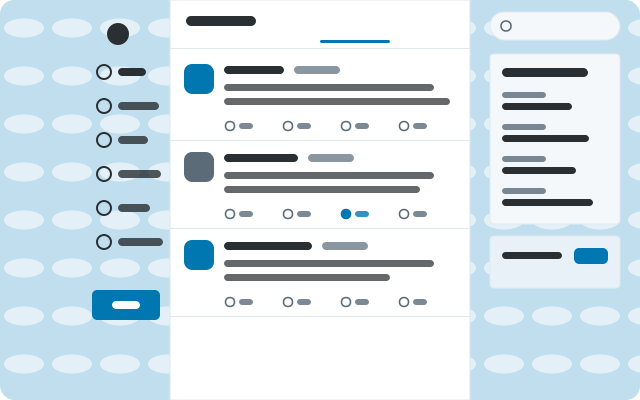
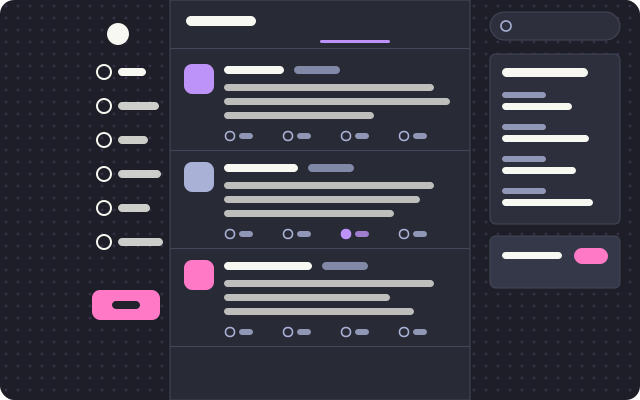
A glossy 2008 sky: bubbles over green hills, glass cards, Segoe and shiny pill buttons.
(FOSS) wayBetter Store · one signed catalog
Themes and plugins for wayBetter apps. Every file is in one signed catalog, every plugin says what it uses, and you read the code before anything installs. Free, open source, no account.
Picked by the maintainers.
A glossy 2008 sky: bubbles over green hills, glass cards, Segoe and shiny pill buttons.
Adds a "Read thread" button to the header of post pages that unrolls the author's thread into a clean reading view, with copy as Markdown. Reads only what X already shows; "Load more" scrolls the page behind the reader.
Hides the parts of X that pull you away from reading: like/repost/reply/view counts, trends, "Who to follow", follower counts, or the whole right column. Alt+Shift+F turns it on and off; the toast that confirms it has a Settings button. Only hides what X already shows, locally; nothing on your…
27 items
Reminds you when images in the composer have no description (alt text): a notice while composing and another when you press Post. It never blocks or delays sending.
Points t.co links in posts straight at the destination X already shows in the link text, strips common tracking parameters (utm_*, fbclid, gclid, ...) and shows the full URL on hover. No extra requests.
Adds a copy button to every post: click copies it as a Markdown quote (text, images, author, date and link), Shift+click copies plain text. With a post focused (j/k), press m / Shift+M.
A Discord-style emoji picker for X's text boxes. X's own emoji button (or Ctrl+Shift+E) opens it right under the composer toolbar: search with skin tones on top, a category rail on the left, one scrolling grid with Frequently used first and sticky category headers, and a preview bar with the…
Shows the full local date and time next to relative post times ("5h" becomes "5h · Sep 27, 2026, 14:03") and on hover. When the header is short on room the date gives way first (it shortens, then hides) and never covers X's buttons.
Hides the parts of X that pull you away from reading: like/repost/reply/view counts, trends, "Who to follow", follower counts, or the whole right column. Alt+Shift+F turns it on and off; the toast that confirms it has a Settings button. Only hides what X already shows, locally; nothing on your…
Collapses posts from X Premium ("blue check") accounts into a one-line stub you can click to show, locally (nothing is muted on X itself). Optionally also hides legacy gold/grey org-verified accounts. Never hides you, accounts you follow (default on; with that on, a post whose follow status is not…
Extra shortcuts on the post focused with X's j/k: c copies its link, Shift+C copies its text, v opens its first photo or video, a opens the author's profile and q opens the quoted post. Only navigates or copies; never likes, reposts or posts.
On a profile's Media tab, hides the right column, widens the page and tightens the gaps so the photo and video grid fills the window. Other pages are unchanged.
Hides posts whose text, author name or @handle matches your regular expressions, locally (X's own mute list is untouched). Alt+Shift+M edits the list: one pattern per line, "/pattern/flags" or plain (case-insensitive), "#" for comments. Hidden posts leave a one-line stub you can click to show.
Shows an estimated reading time ("3 min read") on long posts and X Articles, counted from the text on screen at 230 words per minute.
Asks before you reply to an old post (older than 30 days by default) and, if you turn it on, to someone you don't follow. Answer "Reply anyway" and X's own reply box opens as usual; nothing is ever sent for you. Uses only the post's date and what X's own responses said about who you follow…
Adds a "Read thread" button to the header of post pages that unrolls the author's thread into a clean reading view, with copy as Markdown. Reads only what X already shows; "Load more" scrolls the page behind the reader.
Private notes on accounts: "Add private note" in a profile's ··· menu opens a note editor; the note shows under the bio (click it to edit) and in hover cards. Notes stay in this app's local storage and are never sent anywhere.
2012 on a sky-blue canvas: Helvetica, square-ish cards, tight rows and the old link blue.
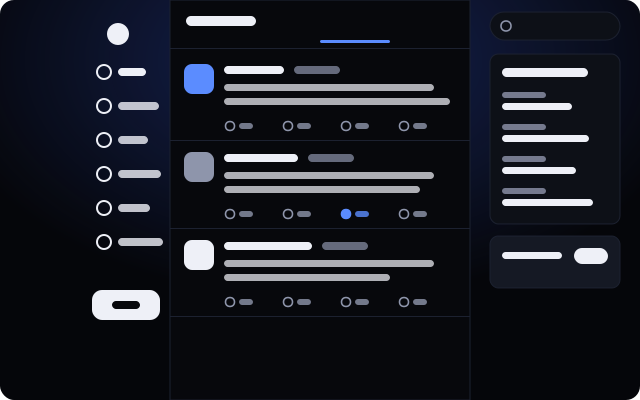
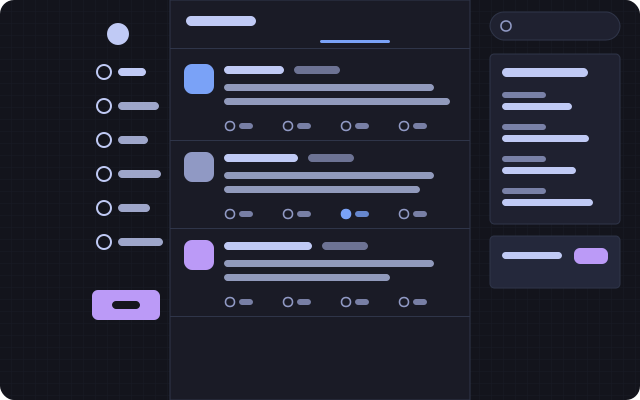
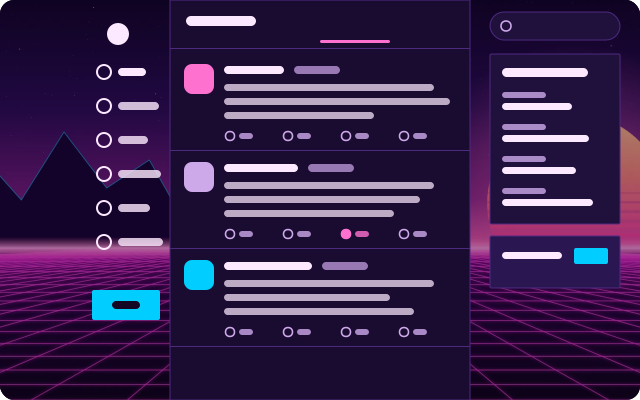
Neon city after rain: indigo and lavender, a wide compact column, tight corners and a street grid.
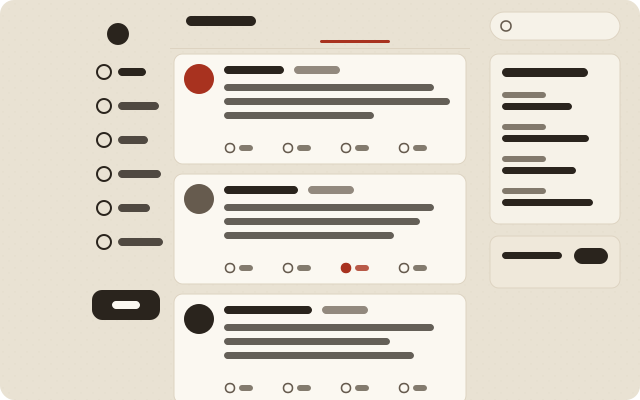
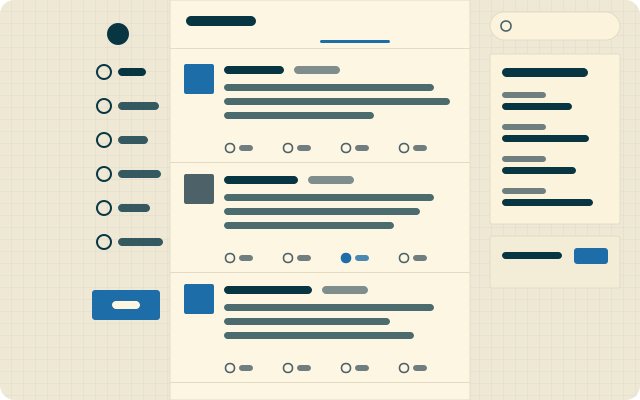
Ethan Schoonover’s cream and cyan on engineering paper. A wide reading column with square corners.
A glossy 2008 sky: bubbles over green hills, glass cards, Segoe and shiny pill buttons.
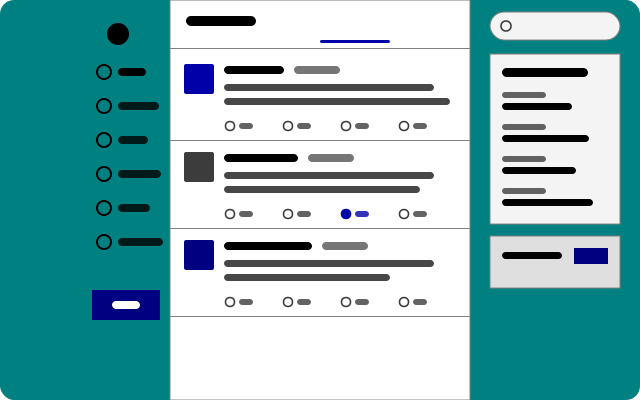
Teal desktop, silver windows, bevelled buttons, square everything and MS Sans Serif-style type.
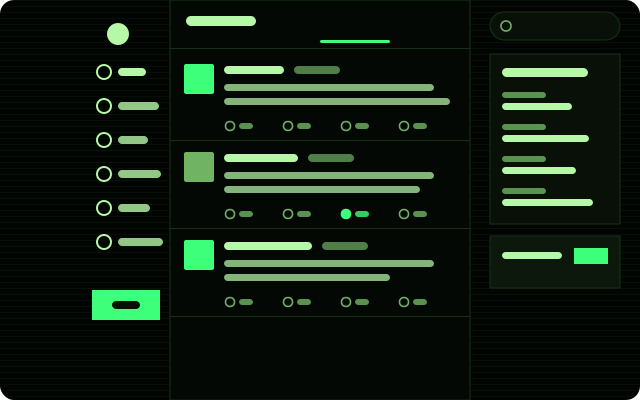
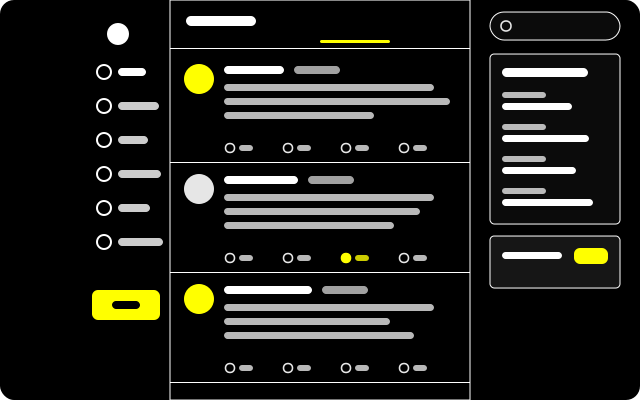
For low vision: pure black, white rules, yellow links and buttons, larger Verdana, underlined links, bold focus rings and no motion.
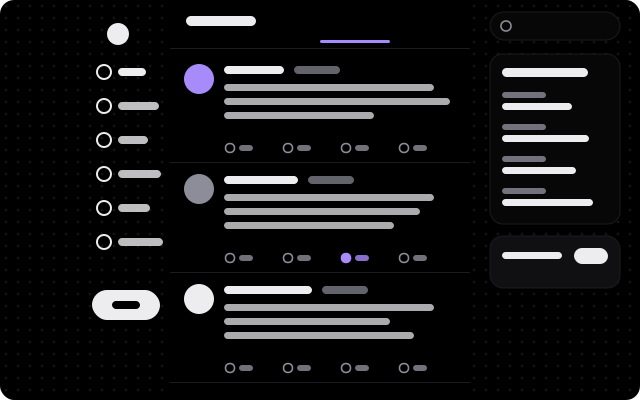
True black for OLED panels: light-weight Geist, soft violet, big round corners and a sparse starfield.
Try another word or fewer filters. If it does not exist yet, it can: a theme is one JSON file and a plugin is one JavaScript file.
Catalog updated 2026-09-29. Items today are for wayBetter for X; every wayBetter app reads this same catalog and shows only its own.
Trust How installing works
Nothing on this site can install anything. A button here opens the app; the app checks the file and shows it to you; you confirm there, or you don’t.
“Install” is a waybetter:// link. It opens the app and proposes an item. Web pages, and tabs inside the app, cannot install anything.
It downloads the file itself, verifies the catalog’s Ed25519 signature with the key compiled into the app, then the file’s size and SHA-256 against the catalog.
The install screen shows the name, author, version, source, SHA-256, the permissions a plugin declares and the code or theme file. Nothing is written until you press Install.
A plugin is JavaScript running inside the app’s page, with the page’s own access. Its permissions are a declaration and a guard rail, not a sandbox: they limit what the wayBetter API hands a plugin, and code that wants to get around a check can. A scan cannot see through minified code either. Install what you would trust as a browser extension.
Themes are data, sanitized field by field; only a theme’s optional CSS runs in the page, with the same trust as your own custom CSS. Anything in the signed catalog is vouched for by the Store key, which is kept offline.
One-click install needs wayBetter for X 1.1.0 or newer. Without it, download an item’s file from its page and drag it onto the wayBetter window: you get the same install screen.