Icon pack · Icons · for X
Retro XP
by wayBetter for X · v1.0.1 · 30.1 KB
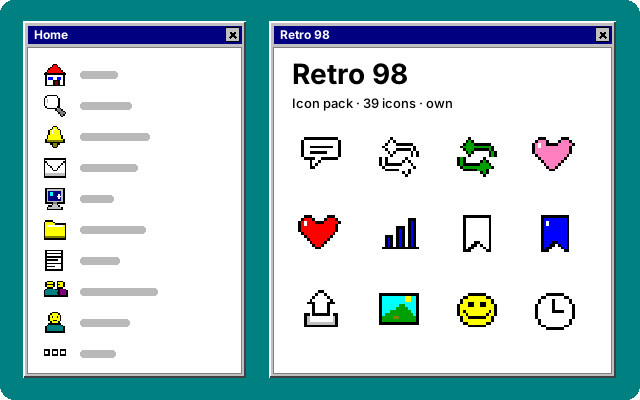
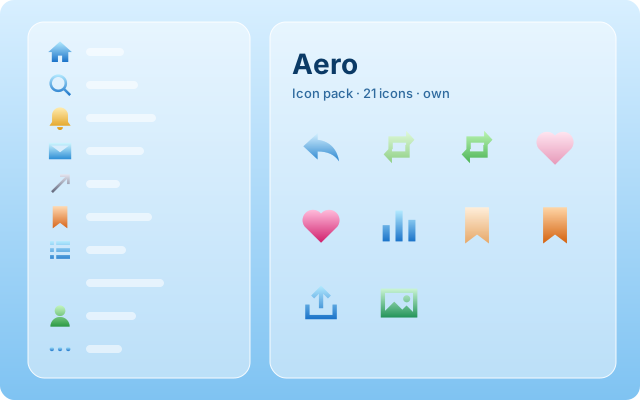
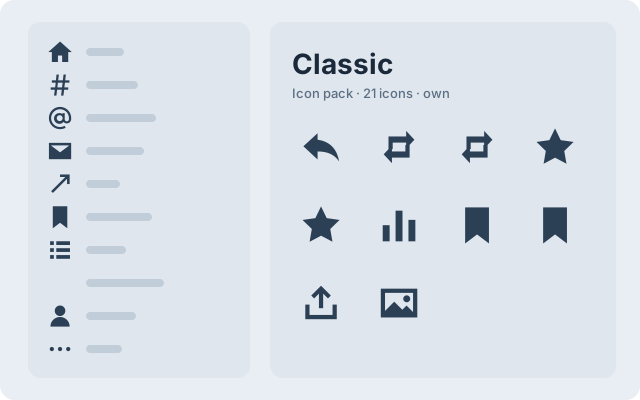
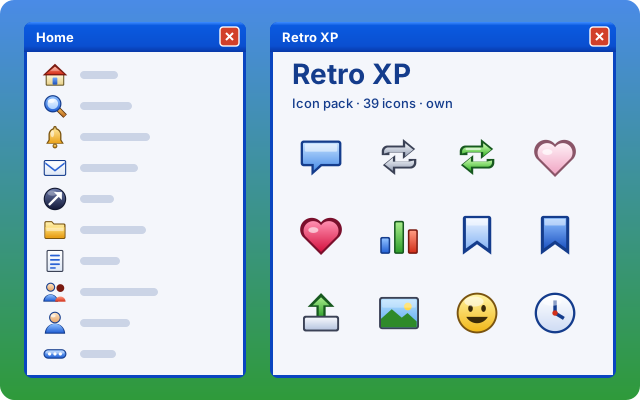
Glossy gel icons in the manner of 2001: a dark edge, a lit top, bright blue, green and gold. Every icon of the left navigation and the action bar.
Opens wayBetter for X on its install screen (version 1.0.0 or newer). Nothing installs until you confirm there. How installing works
The pack file
Read retro-xp.icons.json30.1 KB · exactly the bytes the app installs
Open the raw file to read it.How installing works, and is it safe?
- A link, not an installer. “Install in wayBetter” is a
waybetter://link. It opens the app and proposes this plugin. A web page cannot install anything, and neither can a tab inside the app. - The app checks the file. It downloads the file itself, verifies the Store catalog’s Ed25519 signature with the key compiled into the app, then this file’s size and SHA-256 against the catalog.
- You read it, then confirm. The install screen shows the name, author, license, every icon of the pack and the pack file. Nothing is written until you press Install.
An icon pack is data: drawings that replace X’s icons. It carries no code and cannot act on the page. Anything in the signed catalog is vouched for by the Store key, which is kept offline.
No app yet, or an older one?
One-click install needs wayBetter for X 1.0.0 or newer. Get wayBetter for X, or do it by hand: download retro-xp.icons.json and drag it onto the wayBetter window. You get the same install screen.