
(FOSS) wayBetter Store · one signed catalog
Make every app yours.
Themes and plugins for wayBetter apps. Every file is in one signed catalog, every plugin says what it uses, and you read the code before anything installs. Free, open source, no account.
- Themes
- 13
- Plugins
- 1
- Apps
- 1
- Signed
- Ed25519
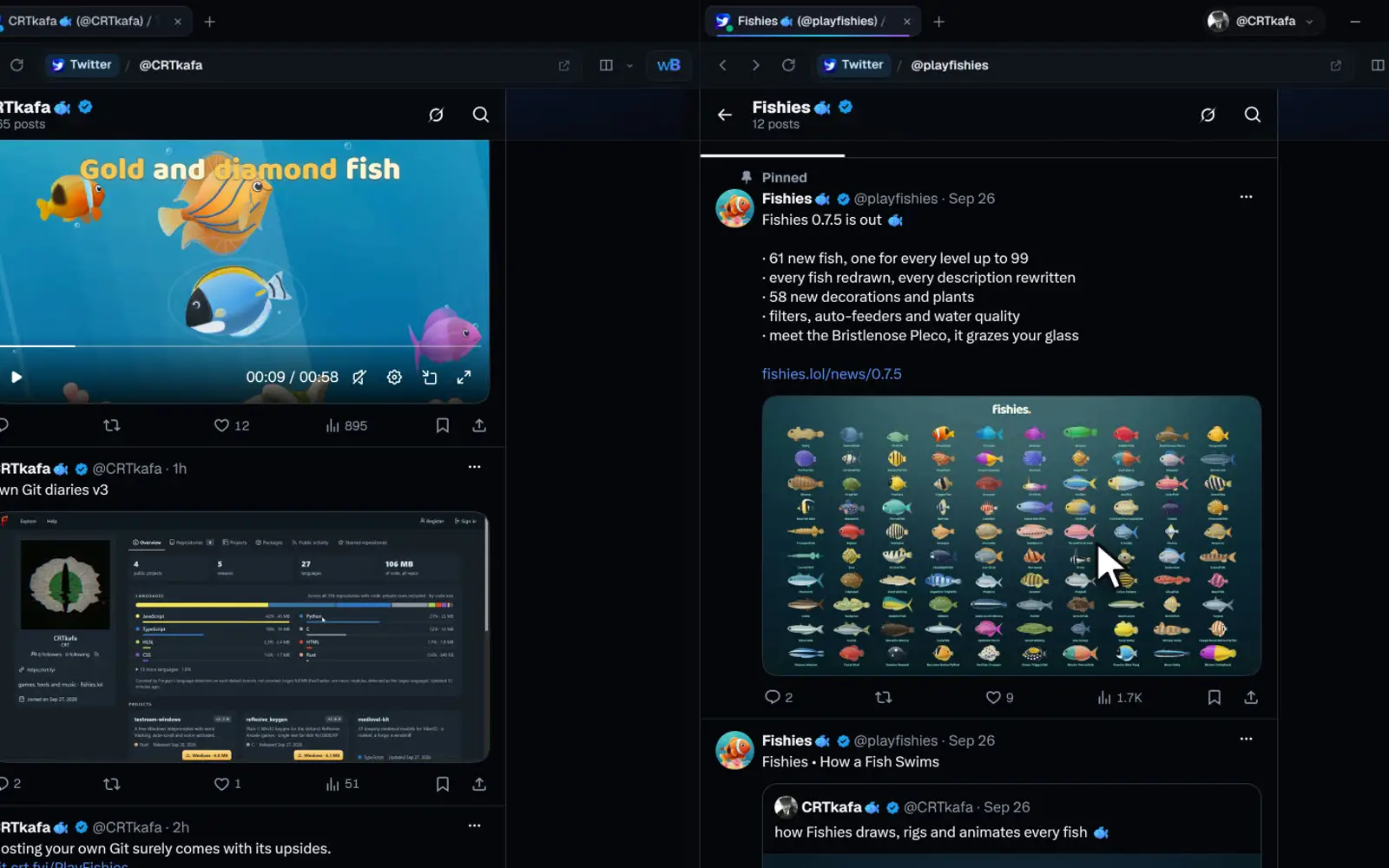
Built into wayBetter for X
8 area plugins come with the app, nothing to install. Turn them on in Plugins, or pick a mode.
Featured
Picked by the maintainers.
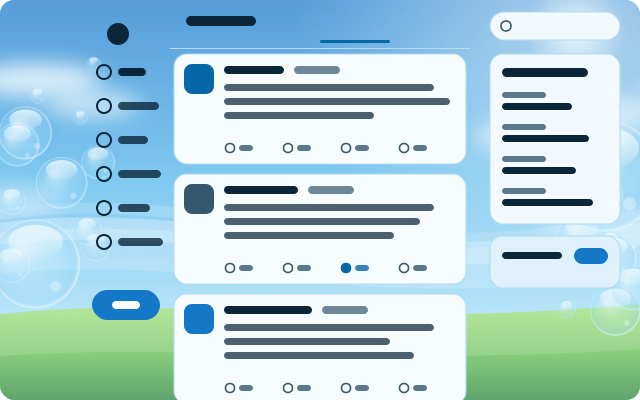
Frutiger Aero
A glossy 2008 sky: bubbles over green hills, glass cards, Segoe and shiny pill buttons.
Emoji Picker
A Discord-style emoji picker for X's text boxes. X's own emoji button (or Ctrl+Shift+E) opens it right under the composer toolbar: search with skin tones on top, a category rail on the left, one scrolling grid with Frequently used first and sticky category headers, and a preview bar with the…
- Storage
- Dialogs
- No network
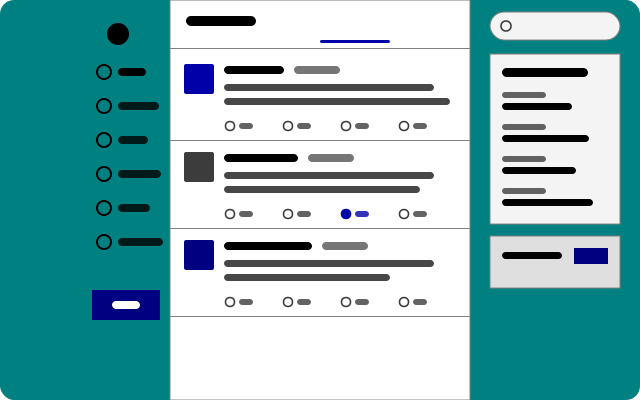
Windows 98
Teal desktop, silver windows, bevelled buttons, square everything and MS Sans Serif-style type.
Latest
New and recently updated.
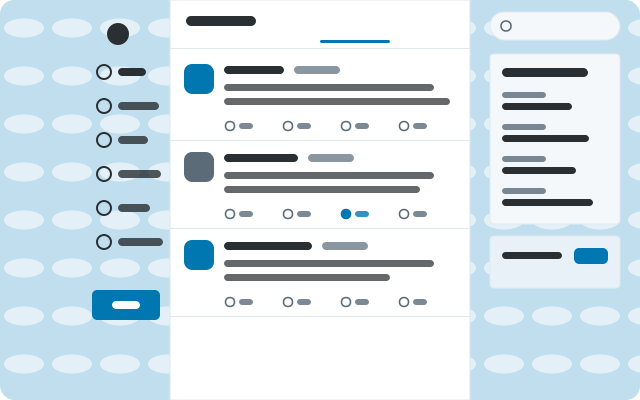
Classic Twitter
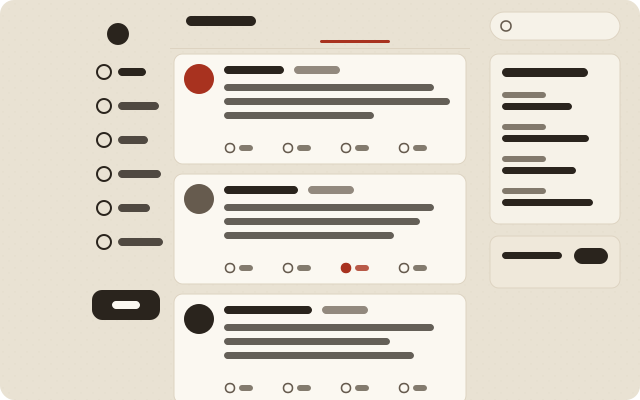
2012 on a sky-blue canvas: Helvetica, square-ish cards, tight rows and the old link blue.
Everything
15 items
Emoji Picker
A Discord-style emoji picker for X's text boxes. X's own emoji button (or Ctrl+Shift+E) opens it right under the composer toolbar: search with skin tones on top, a category rail on the left, one scrolling grid with Frequently used first and sticky category headers, and a preview bar with the…
- Storage
- Dialogs
- No network
Classic Twitter
2012 on a sky-blue canvas: Helvetica, square-ish cards, tight rows and the old link blue.
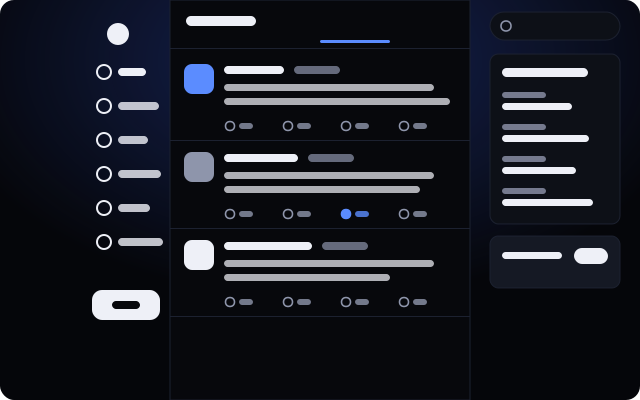
Tokyo Night
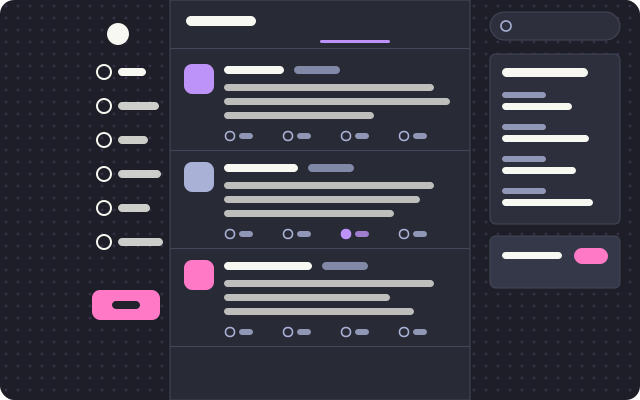
Neon city after rain: indigo and lavender, a wide compact column, tight corners and a street grid.
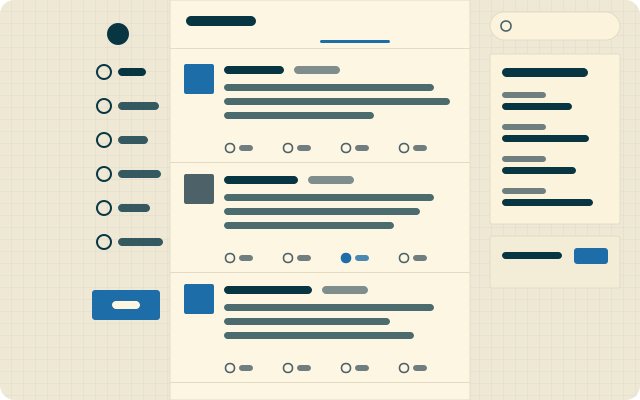
Solarized Light
Ethan Schoonover’s cream and cyan on engineering paper. A wide reading column with square corners.
Frutiger Aero
A glossy 2008 sky: bubbles over green hills, glass cards, Segoe and shiny pill buttons.
Windows 98
Teal desktop, silver windows, bevelled buttons, square everything and MS Sans Serif-style type.
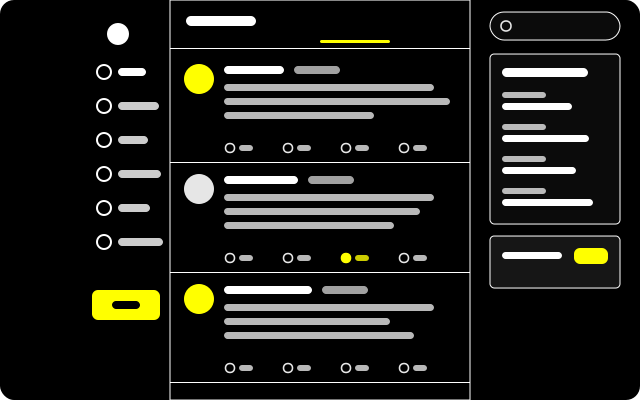
High Contrast
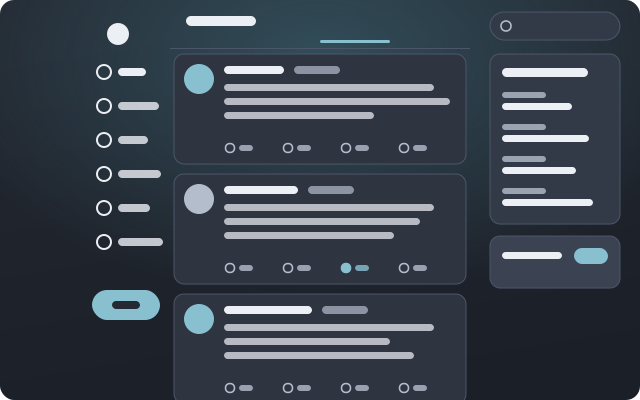
For low vision: pure black, white rules, yellow links and buttons, larger Verdana, underlined links, bold focus rings and no motion.
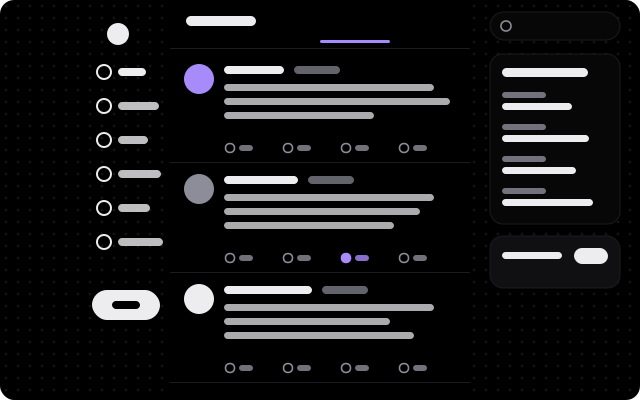
Midnight OLED
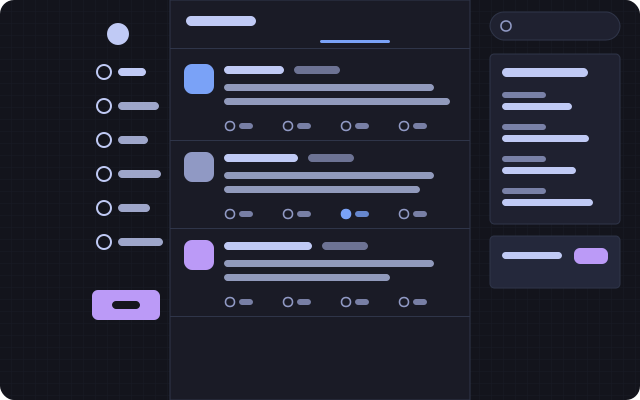
True black for OLED panels: light-weight Geist, soft violet, big round corners and a sparse starfield.
Nothing matches.
Try another word or fewer filters. If it does not exist yet, it can: a theme is one JSON file and a plugin is one JavaScript file.
Catalog updated 2026-09-30. Items today are for wayBetter for X; every wayBetter app reads this same catalog and shows only its own.
Trust How installing works
One click, then you decide.
Nothing on this site can install anything. A button here opens the app; the app checks the file and shows it to you; you confirm there, or you don’t.
-
i.
A link, not an installer
“Install” is a
waybetter://link. It opens the app and proposes an item. Web pages, and tabs inside the app, cannot install anything. -
ii.
The app checks the file
It downloads the file itself, verifies the catalog’s Ed25519 signature with the key compiled into the app, then the file’s size and SHA-256 against the catalog.
-
iii.
You read it, then confirm
The install screen shows the name, author, version, source, SHA-256, the permissions a plugin declares and the code or theme file. Nothing is written until you press Install.
What this does not promise
A plugin is JavaScript running inside the app’s page, with the page’s own access. Its permissions are a declaration and a guard rail, not a sandbox: they limit what the wayBetter API hands a plugin, and code that wants to get around a check can. A scan cannot see through minified code either. Install what you would trust as a browser extension.
Themes are data, sanitized field by field; only a theme’s optional CSS runs in the page, with the same trust as your own custom CSS. Anything in the signed catalog is vouched for by the Store key, which is kept offline.
No app yet?
One-click install needs wayBetter for X 1.0.0 or newer. Without it, download an item’s file from its page and drag it onto the wayBetter window: you get the same install screen.