
(FOSS) wayBetter Store · 一份簽署的目錄
讓每個應用程式都 屬於你。
wayBetter 應用程式的主題和外掛程式。每個檔案都在同一份簽署的目錄中,每個外掛程式都會說明它使用什麼,而且在任何東西安裝之前,你都能先讀程式碼。免費、開放原始碼、不需要帳號。
- 主題
- 13
- 外掛程式
- 1
- 應用程式
- 1
- 已簽署
- Ed25519

內建於 wayBetter for X
8 個區域外掛隨應用程式提供,無需安裝。可在外掛中開啟,或選擇一種模式。
精選
由維護者挑選。
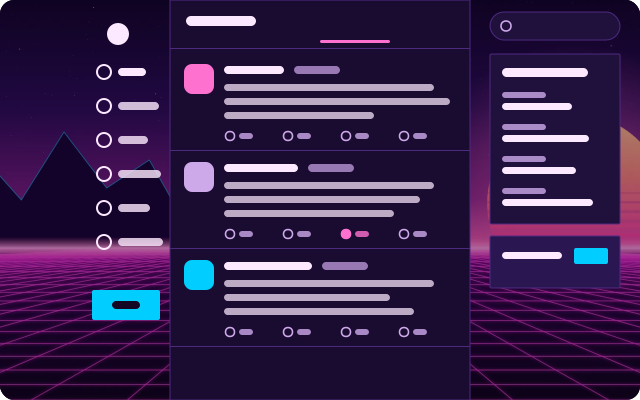
Frutiger Aero
A glossy 2008 sky: bubbles over green hills, glass cards, Segoe and shiny pill buttons.
Emoji Picker
A Discord-style emoji picker for X's text boxes. X's own emoji button (or Ctrl+Shift+E) opens it right under the composer toolbar: search with skin tones on top, a category rail on the left, one scrolling grid with Frequently used first and sticky category headers, and a preview bar with the…
- 儲存空間
- 對話方塊
- 無網路
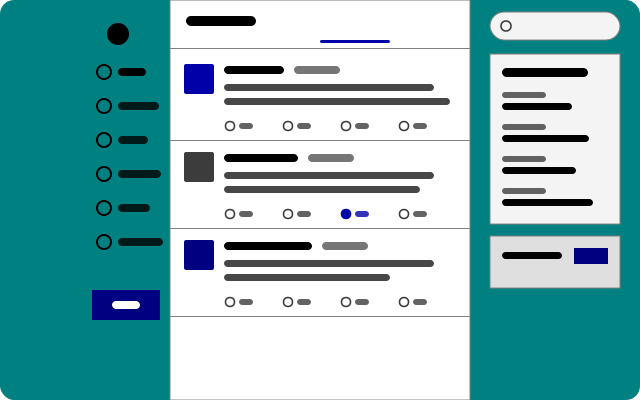
Windows 98
Teal desktop, silver windows, bevelled buttons, square everything and MS Sans Serif-style type.
最新
全新和最近更新的項目。
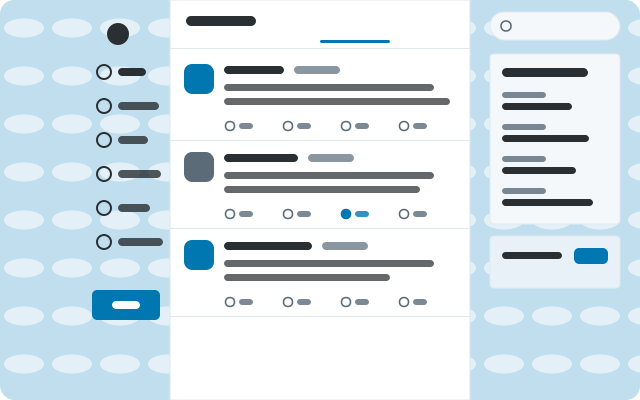
Classic Twitter
2012 on a sky-blue canvas: Helvetica, square-ish cards, tight rows and the old link blue.
全部
21 個項目
Emoji Picker
A Discord-style emoji picker for X's text boxes. X's own emoji button (or Ctrl+Shift+E) opens it right under the composer toolbar: search with skin tones on top, a category rail on the left, one scrolling grid with Frequently used first and sticky category headers, and a preview bar with the…
- 儲存空間
- 對話方塊
- 無網路
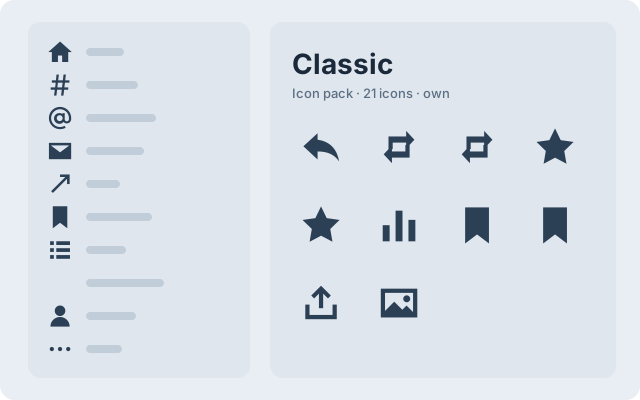
Classic Twitter
2012 on a sky-blue canvas: Helvetica, square-ish cards, tight rows and the old link blue.
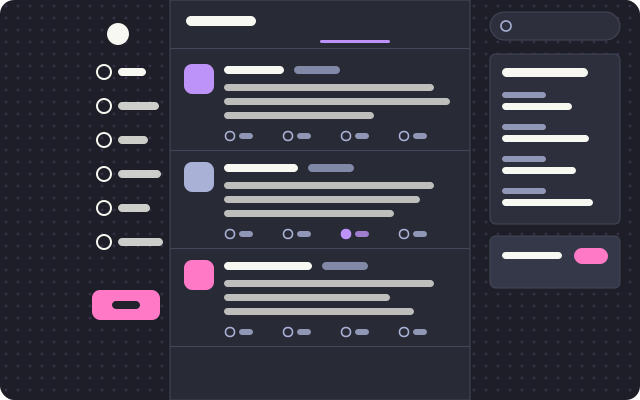
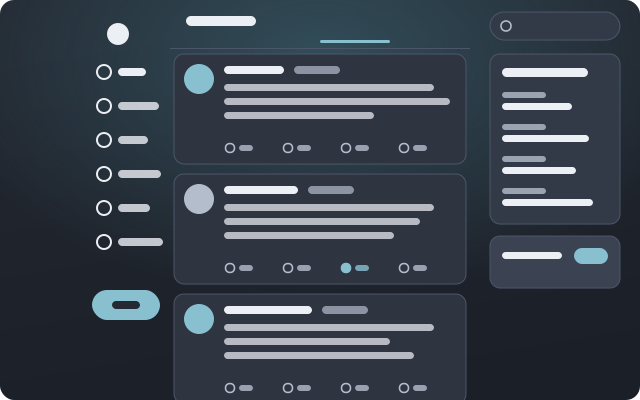
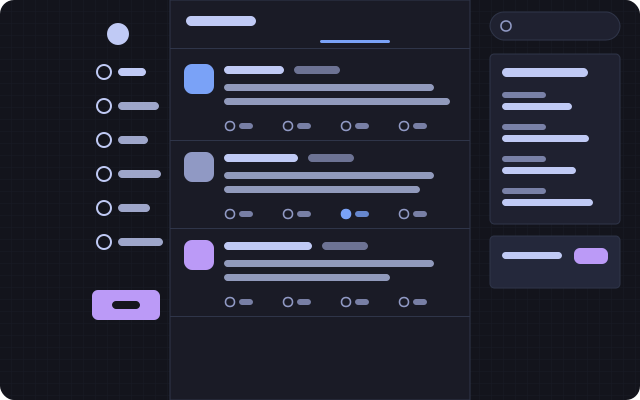
Tokyo Night
Neon city after rain: indigo and lavender, a wide compact column, tight corners and a street grid.
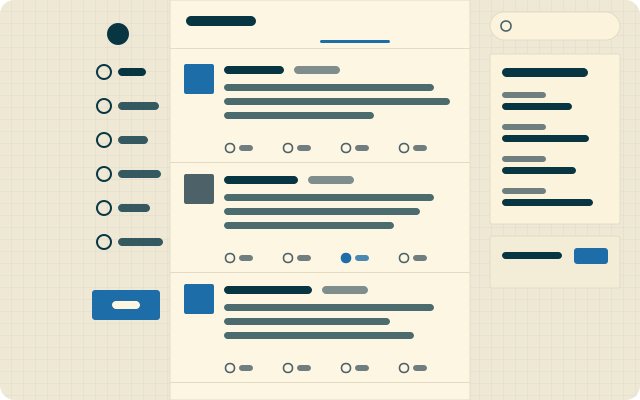
Solarized Light
Ethan Schoonover’s cream and cyan on engineering paper. A wide reading column with square corners.
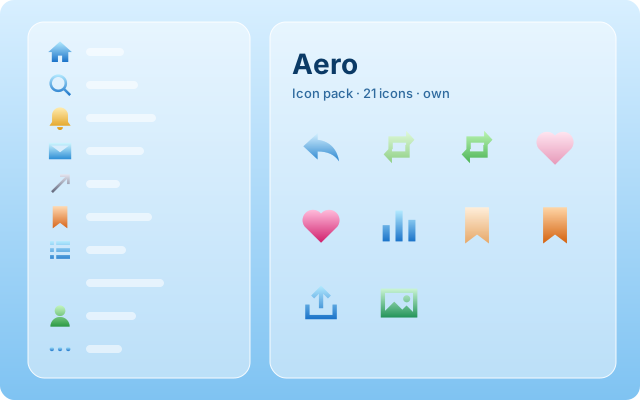
Frutiger Aero
A glossy 2008 sky: bubbles over green hills, glass cards, Segoe and shiny pill buttons.
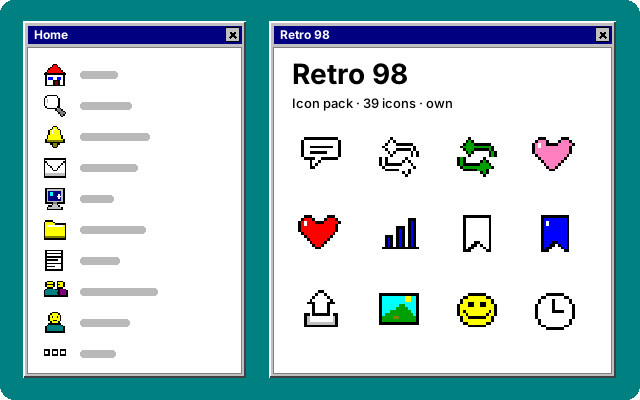
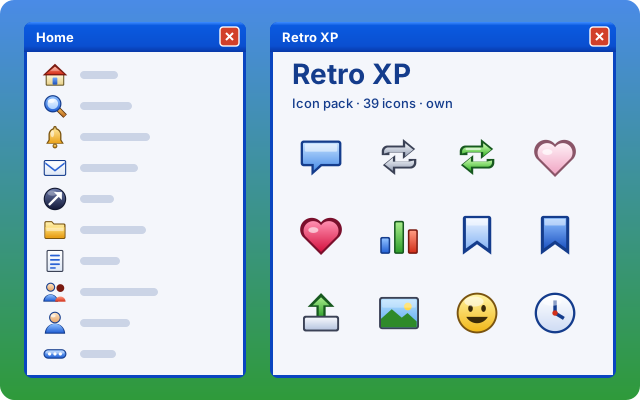
Windows 98
Teal desktop, silver windows, bevelled buttons, square everything and MS Sans Serif-style type.
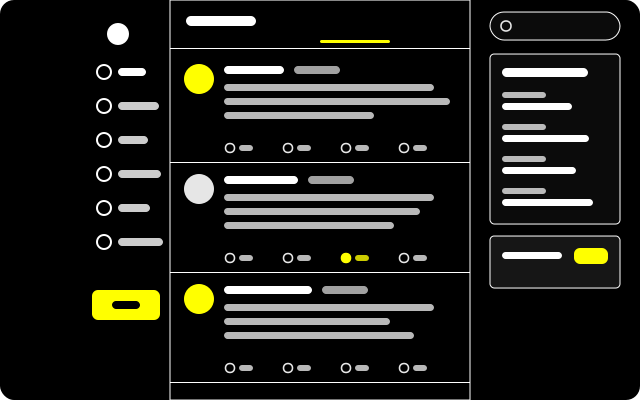
High Contrast
For low vision: pure black, white rules, yellow links and buttons, larger Verdana, underlined links, bold focus rings and no motion.
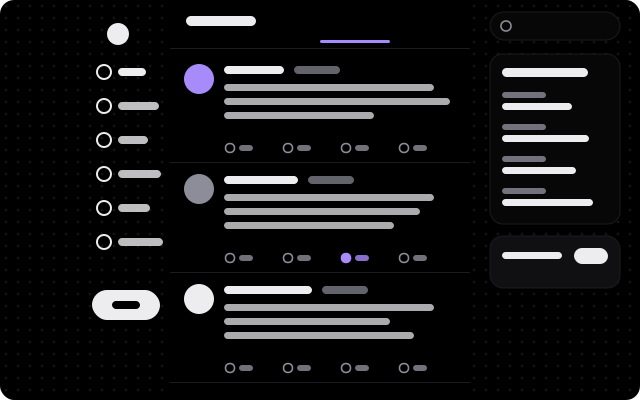
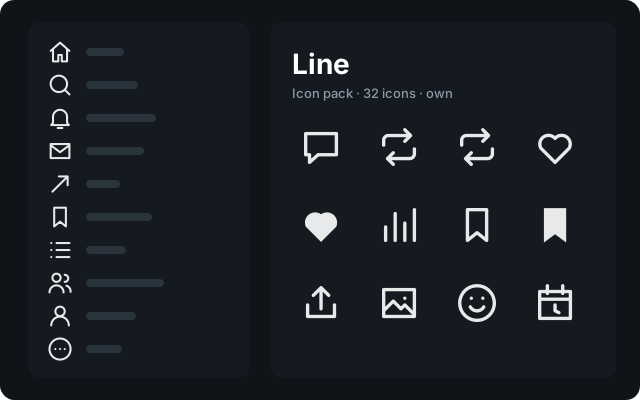
Midnight OLED
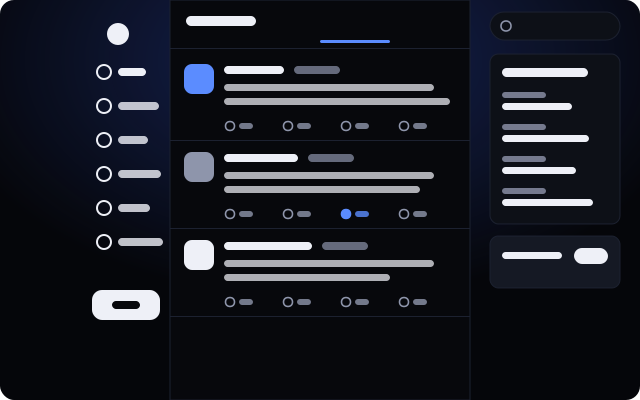
True black for OLED panels: light-weight Geist, soft violet, big round corners and a sparse starfield.
目錄更新於 2026-10-01。目前的項目適用於 wayBetter for X;每個 wayBetter 應用程式都讀取同一份目錄,並只顯示屬於自己的項目。
信任 安裝的運作方式
點一下,然後由你決定。
這個網站上的任何東西都無法安裝任何東西。這裡的按鈕會開啟應用程式;應用程式檢查檔案並顯示給你看;你在那裡確認,或者不確認。
-
i.
是連結,不是安裝程式
「安裝」是一個
waybetter://連結。它會開啟應用程式並提議安裝某個項目。網頁,以及應用程式內的分頁,都無法安裝任何東西。 -
ii.
應用程式會檢查檔案
應用程式會自行下載檔案,用編譯在應用程式中的金鑰驗證目錄的 Ed25519 簽章,再依目錄核對檔案的大小和 SHA-256。
-
iii.
你先讀,再確認
安裝畫面會顯示名稱、作者、版本、來源、SHA-256、外掛程式宣告的權限,以及程式碼或主題檔案。在你按下「安裝」之前,不會寫入任何東西。
這並不保證什麼
外掛程式是在應用程式頁面內執行的 JavaScript,擁有頁面本身的存取權。它的權限是一份宣告和一道護欄,而不是沙箱:它們限制的是 wayBetter API 交給外掛程式的東西,存心繞過檢查的程式碼還是繞得過去。掃描也無法看穿經過壓縮的程式碼。請只安裝你會當成瀏覽器擴充功能來信任的東西。
主題是資料,會逐欄清理;只有主題選用的 CSS 會在頁面中執行,信任程度與你自己的自訂 CSS 相同。簽署的目錄中的一切都由商店金鑰擔保,而這把金鑰是離線保管的。
還沒有應用程式?
一鍵安裝需要 wayBetter for X 1.0.0 或更新版本。沒有的話,請從項目頁面下載它的檔案,再拖到 wayBetter 視窗上:你會看到同樣的安裝畫面。