(FOSS) wayBetter Store · ein signierter Katalog
Mach jede App zu deiner.
Themes und Plugins für wayBetter-Apps. Jede Datei steht in einem signierten Katalog, jedes Plugin sagt, was es nutzt, und du liest den Code, bevor irgendetwas installiert wird. Kostenlos, Open Source, ohne Konto.
- Themes
- 13
- Plugins
- 1
- Apps
- 1
- Signiert
- Ed25519
Eingebaut in wayBetter for X
8 Bereichs-Plugins kommen mit der App, nichts zu installieren. Schalte sie unter Plugins ein oder wähl einen Modus.
Empfohlen
Von den Maintainern ausgewählt.
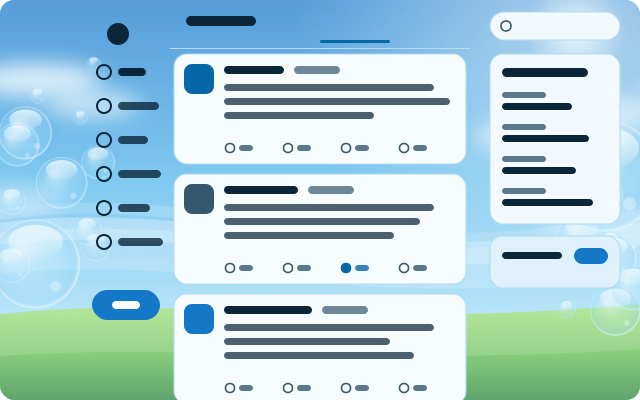
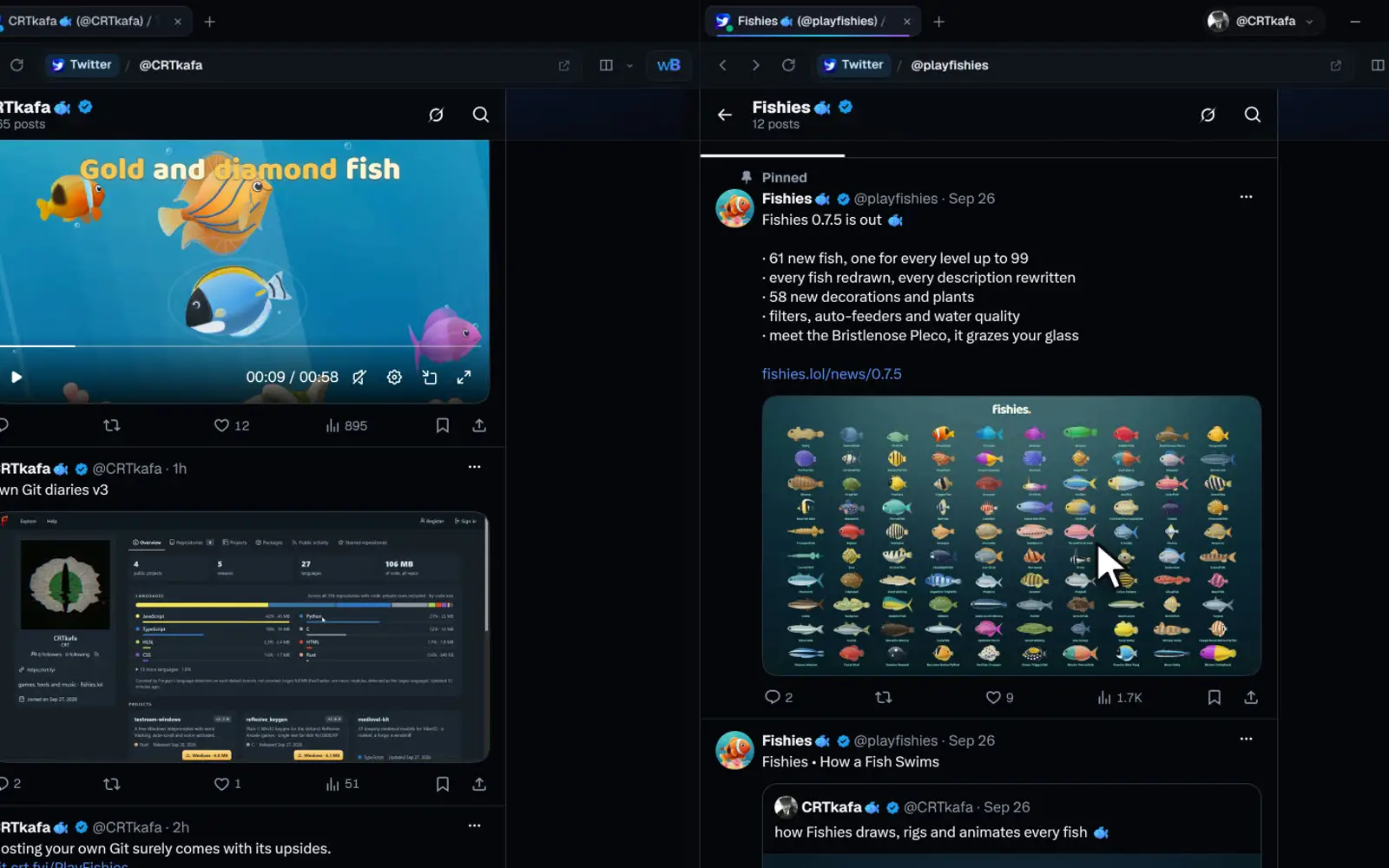
Frutiger Aero
A glossy 2008 sky: bubbles over green hills, glass cards, Segoe and shiny pill buttons.
Emoji Picker
A Discord-style emoji picker for X's text boxes. X's own emoji button (or Ctrl+Shift+E) opens it right under the composer toolbar: search with skin tones on top, a category rail on the left, one scrolling grid with Frequently used first and sticky category headers, and a preview bar with the…
- Speicher
- Dialoge
- Kein Netzwerk
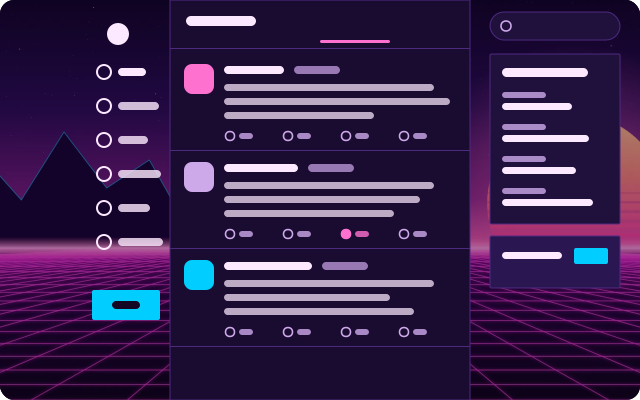
Vaporwave
Sunset over a neon grid. Wide-tracked type with a glow, hot pink links and a cyan button.
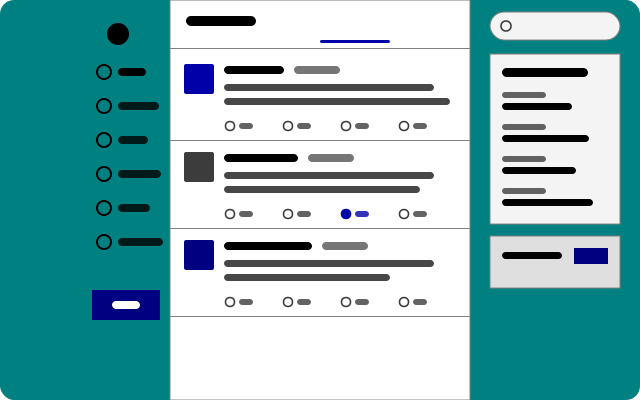
Windows 98
Teal desktop, silver windows, bevelled buttons, square everything and MS Sans Serif-style type.
Neueste
Neu und kürzlich aktualisiert.
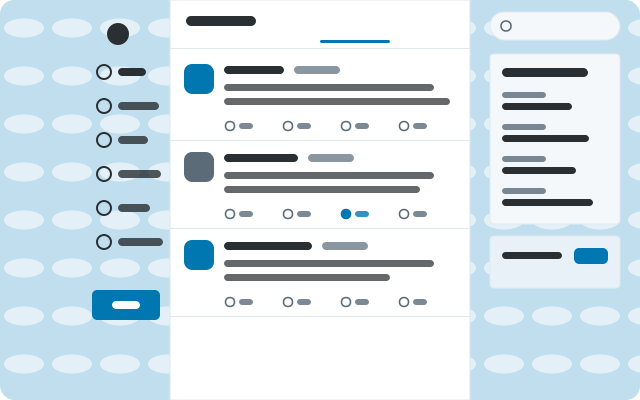
Classic Twitter
2012 on a sky-blue canvas: Helvetica, square-ish cards, tight rows and the old link blue.
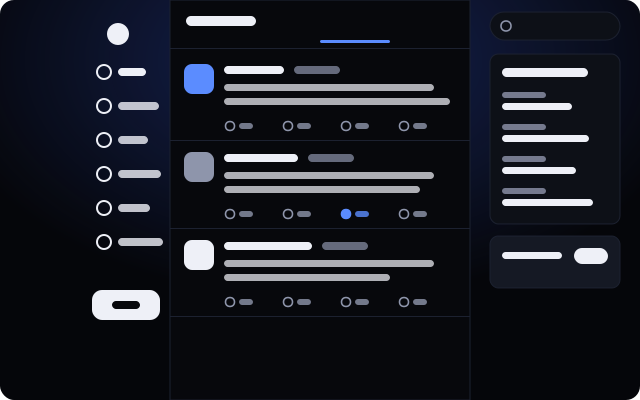
Night Ink
Blue-black and Geist. Compact rows, soft corners, a quiet glow behind the timeline.
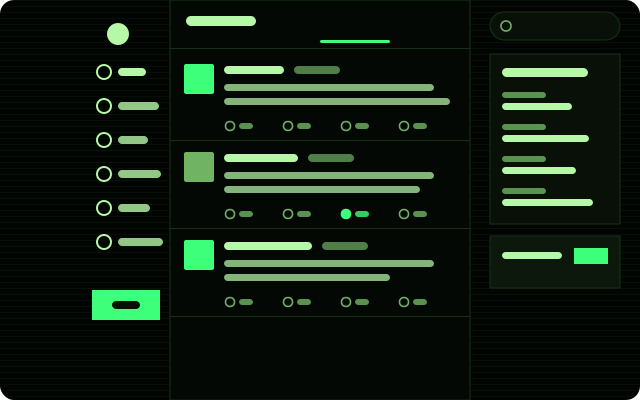
Terminal
Phosphor green on a CRT. Monospace everything, square corners, scanlines.
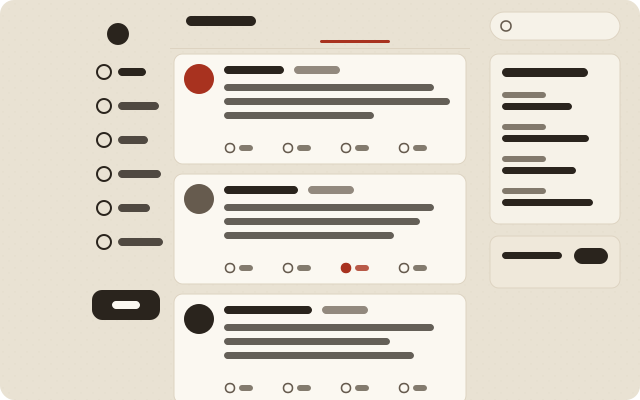
Paper
Warm newsprint. Posts as cards set in a serif reading face, with ink-red links.
Alles
21 Einträge
Emoji Picker
A Discord-style emoji picker for X's text boxes. X's own emoji button (or Ctrl+Shift+E) opens it right under the composer toolbar: search with skin tones on top, a category rail on the left, one scrolling grid with Frequently used first and sticky category headers, and a preview bar with the…
- Speicher
- Dialoge
- Kein Netzwerk
Classic Twitter
2012 on a sky-blue canvas: Helvetica, square-ish cards, tight rows and the old link blue.
Night Ink
Blue-black and Geist. Compact rows, soft corners, a quiet glow behind the timeline.
Terminal
Phosphor green on a CRT. Monospace everything, square corners, scanlines.
Paper
Warm newsprint. Posts as cards set in a serif reading face, with ink-red links.
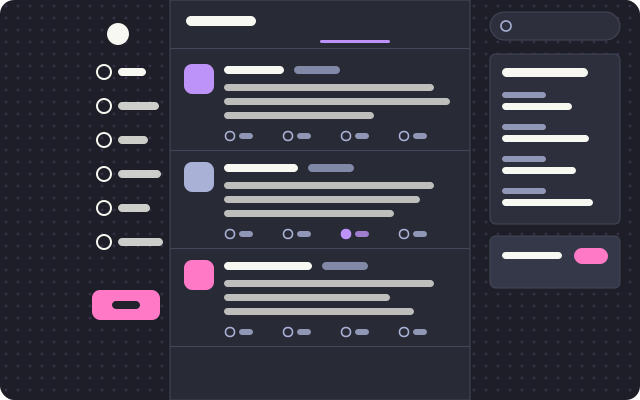
Dracula
The editor classic: purple links, pink buttons, Geist on graphite with a faint dot grid.
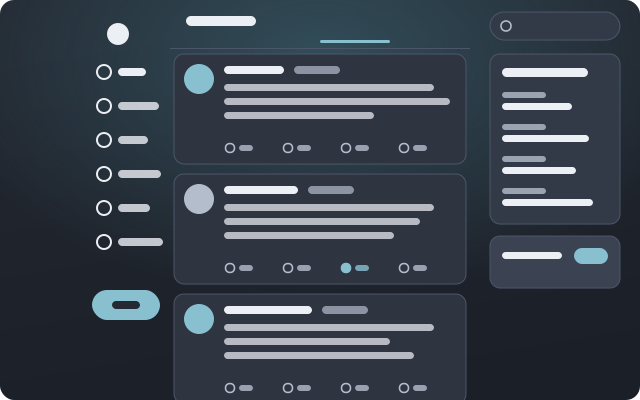
Nord
Arctic slate and frost blue. Floating cards, pill buttons, generous rows and an aurora glow.
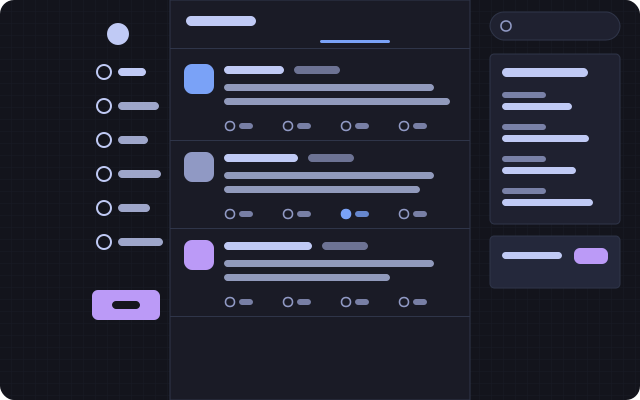
Tokyo Night
Neon city after rain: indigo and lavender, a wide compact column, tight corners and a street grid.
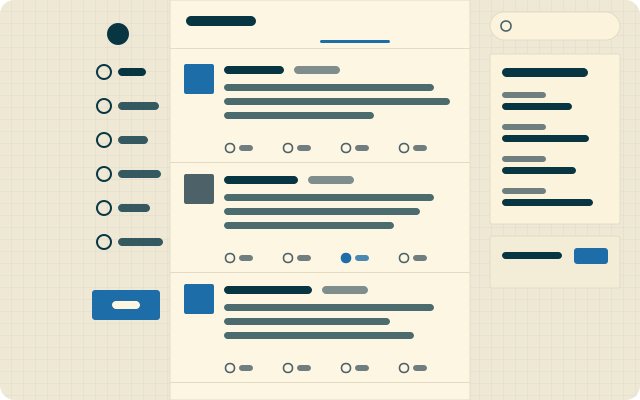
Solarized Light
Ethan Schoonover’s cream and cyan on engineering paper. A wide reading column with square corners.
Frutiger Aero
A glossy 2008 sky: bubbles over green hills, glass cards, Segoe and shiny pill buttons.
Windows 98
Teal desktop, silver windows, bevelled buttons, square everything and MS Sans Serif-style type.
Vaporwave
Sunset over a neon grid. Wide-tracked type with a glow, hot pink links and a cyan button.
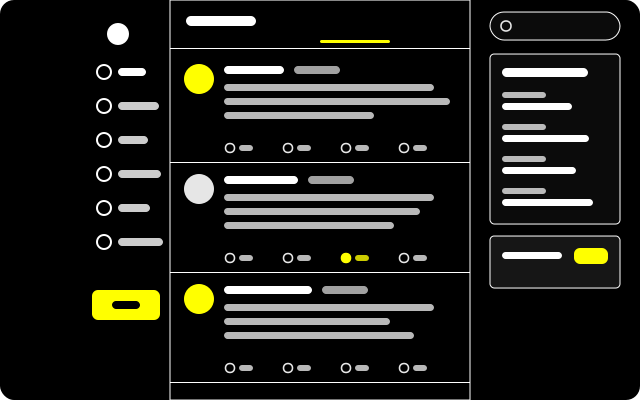
High Contrast
For low vision: pure black, white rules, yellow links and buttons, larger Verdana, underlined links, bold focus rings and no motion.
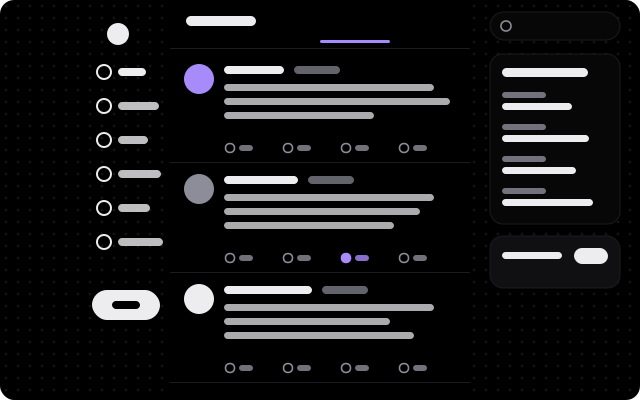
Midnight OLED
True black for OLED panels: light-weight Geist, soft violet, big round corners and a sparse starfield.
Esperanto
X in Esperanto: the navigation, the timeline, posts, profiles, notifications, search and settings in a language X does not offer. Data only.
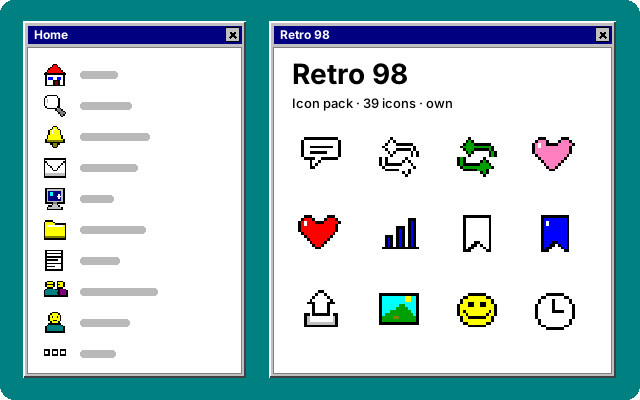
Retro 98
Sixteen-pixel desktop icons in the sixteen-color palette of 1998: black outlines, silver, navy and teal. Every icon of the left navigation and the action bar.
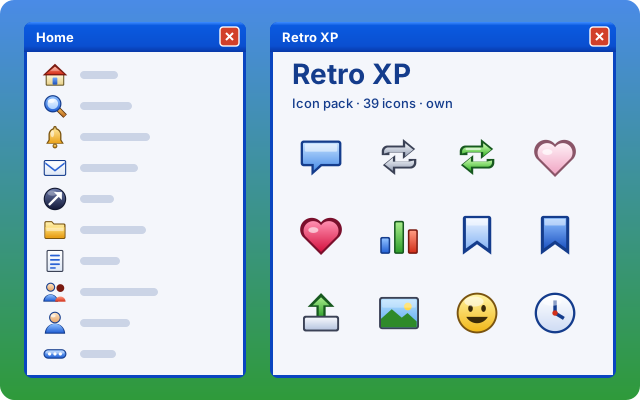
Retro XP
Glossy gel icons in the manner of 2001: a dark edge, a lit top, bright blue, green and gold. Every icon of the left navigation and the action bar.
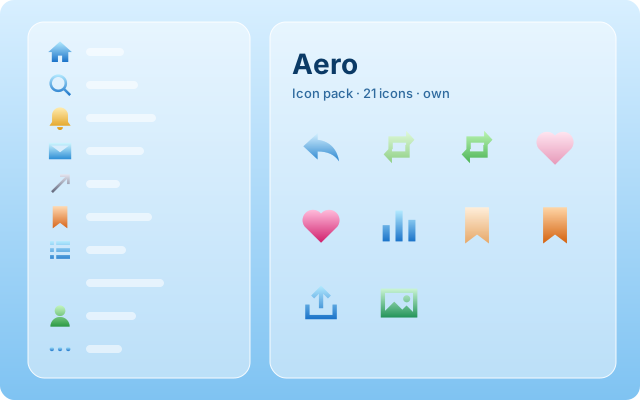
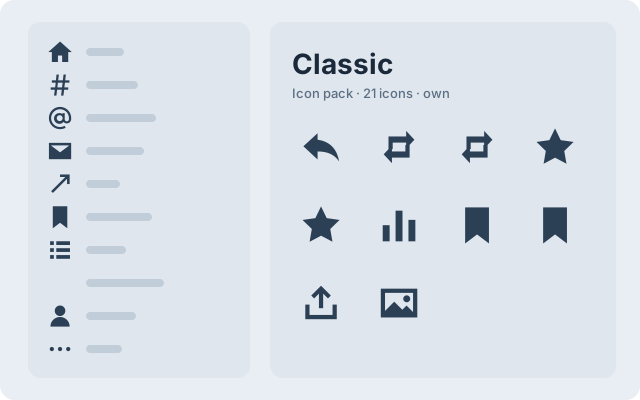
Classic
Solid glyphs in the manner of 2012: a star to like, square-loop arrows to repost.
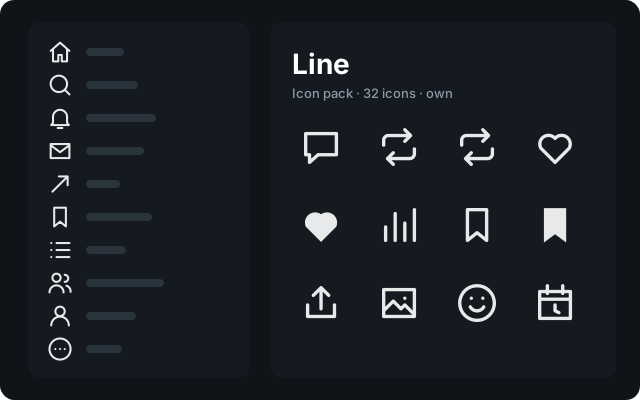
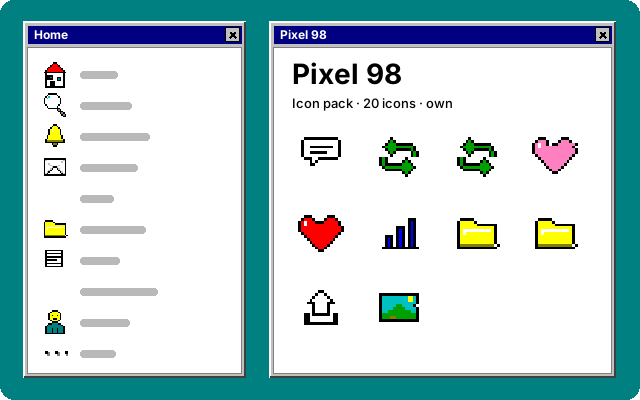
Pixel 98
Sixteen-pixel icons in the manner of a 1998 desktop. Our own drawings.
Keine Treffer.
Versuch ein anderes Wort oder weniger Filter. Wenn es das noch nicht gibt, kann es das geben: Ein Theme ist eine JSON-Datei und ein Plugin eine JavaScript-Datei.
Katalog aktualisiert am 2026-10-01. Die Einträge sind derzeit für wayBetter for X; jede wayBetter-App liest denselben Katalog und zeigt nur ihre eigenen.
Vertrauen So funktioniert die Installation
Ein Klick, dann entscheidest du.
Nichts auf dieser Website kann etwas installieren. Ein Button hier öffnet die App; die App prüft die Datei und zeigt sie dir; du bestätigst dort, oder eben nicht.
-
i.
Ein Link, kein Installer
„Installieren“ ist ein
waybetter://-Link. Er öffnet die App und schlägt einen Eintrag vor. Webseiten und Tabs in der App können nichts installieren. -
ii.
Die App prüft die Datei
Sie lädt die Datei selbst herunter, prüft die Ed25519-Signatur des Katalogs mit dem in die App einkompilierten Schlüssel und dann Größe und SHA-256 der Datei gegen den Katalog.
-
iii.
Du liest es, dann bestätigst du
Der Installationsbildschirm zeigt Name, Autor, Version, Quelle, SHA-256, die Berechtigungen, die ein Plugin angibt, und den Code oder die Theme-Datei. Nichts wird geschrieben, bevor du auf Installieren drückst.
Was das nicht verspricht
Ein Plugin ist JavaScript, das in der Seite der App läuft, mit dem Zugriff der Seite selbst. Seine Berechtigungen sind eine Angabe und eine Leitplanke, keine Sandbox: Sie begrenzen, was die wayBetter-API einem Plugin gibt, und Code, der eine Prüfung umgehen will, kann das. Ein Scan kann auch nicht durch minifizierten Code hindurchsehen. Installiere, was du auch als Browser-Erweiterung vertrauen würdest.
Themes sind Daten, Feld für Feld bereinigt; nur das optionale CSS eines Themes läuft in der Seite, mit demselben Vertrauen wie dein eigenes CSS. Für alles im signierten Katalog bürgt der Store-Schlüssel, der offline aufbewahrt wird.
Noch keine App?
Die Ein-Klick-Installation braucht wayBetter for X 1.0.0 oder neuer. Ohne sie lädst du die Datei eines Eintrags von seiner Seite herunter und ziehst sie auf das wayBetter-Fenster: Du bekommst denselben Installationsbildschirm.